


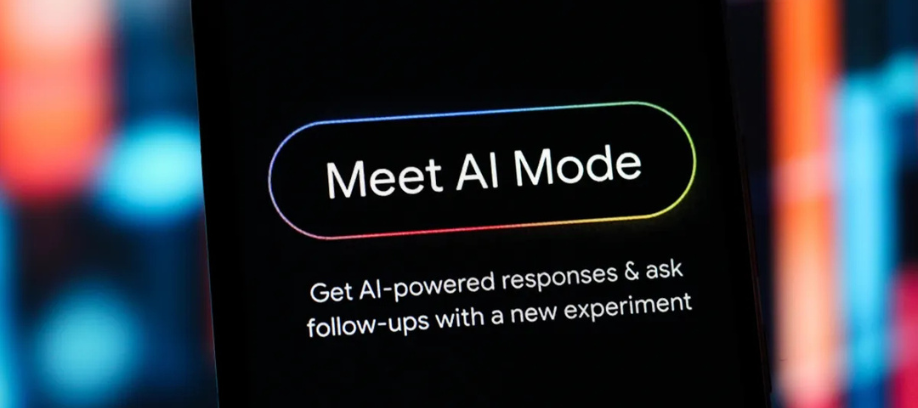
Google Expands AI Mode in Chrome With Side-by-Side Web Exploration
Google has introduced new Chrome features designed to make AI-assisted browsing more practical, giving users a way to explore webpages alongside AI Mode without losing the context of their search. The update is aimed at helping people compare information, review content more efficiently, and ask follow-up questions while staying focused on the task at hand.
A New Browsing Experience Inside AI Mode
According to Google, users on Chrome desktop can now open a webpage side-by-side with AI Mode simply by clicking a link. This creates a split experience where the webpage appears next to the conversational search interface, allowing users to continue asking questions while viewing the source directly. Google says the feature is intended to make it easier to “visit relevant websites, compare details and ask follow-up questions while still maintaining the context of your search.”
The feature could be particularly useful for product research and decision-making. For instance, someone shopping for a new coffee maker can ask AI Mode for suggestions, open a retailer’s site next to the AI panel, and then ask more detailed questions about the product using both the webpage and wider web context. Google says this approach can help users make more informed comparisons without the constant need to move between tabs.
Reducing Tab Switching and Improving Focus
Google also shared early feedback from users who tested the feature. In a blog post, the company noted: “Our early testers loved that they didn’t have to constantly switch tabs to get help with a comprehensive article or a long video.” It added, “And they found that having both Search and the web side-by-side helped them stay focused on their tasks while exploring useful web pages.”
This signals Google’s continued effort to make Chrome more of a productivity environment, blending AI assistance directly into the browsing experience rather than requiring users to jump between separate tools. A recent Chrome update also introduced other productivity-focused features such as split view, PDF annotations and saving files to Google Drive, showing a broader push to position Chrome as a more capable work platform.
Search Across Open Tabs, Images and Files
Alongside the side-by-side browsing feature, Google also announced a new way to bring existing browsing context into AI Mode searches. On Chrome desktop and mobile, users can tap the new “plus” menu in the search box on the New Tab page or inside AI Mode and choose recent tabs to include in a search. Google says this allows users to combine multiple tabs, images or files into a single AI-powered query.
The company suggests the tool could support a wide range of use cases. A person researching local hiking trails, for example, can pull several open tabs into AI Mode and ask for similar trail recommendations elsewhere. A student preparing for a statistics exam could also combine lecture slides, class notes and open browser tabs to request examples that clarify a concept.
Currently Available in the U.S.
Google said the latest AI Mode updates are now available in the United States, with plans to expand access to more regions over time. The broader AI Mode experience itself was first introduced as an experimental feature in Google Search in the U.S. in March 2025, before being further integrated into Chrome.
What This Means for Business Users
For professionals, teams and researchers, these updates could make Chrome a more useful workspace for reviewing information, comparing vendors, checking product specifications and working through longer-form content with AI support close at hand. By combining conversational search with live webpage context, Google is clearly aiming to reduce friction in the research process and deepen how users interact with information online. This is an inference based on the product design and Google’s stated productivity goals.
Online References
- Google Blog — A new way to explore the web with AI Mode in Chrome
- Google Blog — Expanding AI Overviews and introducing AI Mode
- Chrome Enterprise and Education release notes — AI Mode capabilities in Chrome 143/144




0 Comments